The 4 GB limit
The game is a 32-bit program. A 32-bit program can only use 4 GB of memory, even if your PC has much more.
Everything the game needs must fit in those 4 GB: the game itself, textures, models, sounds and the graphics driver. Big mods like RobZ use most of it.
When the game asks for more memory and there is no free space left, it crashes with
Failed to allocate memory (eMemory.cpp, 94).
What is inside the 4 GB during a RobZ multiplayer match (with the patch)
Each square is 16 MB. There are 256 squares = 4,096 MB.
The graphics driver part is this big only on our test computer (a virtual machine). On a normal graphics card most of it is in the card's own memory. The reserve is space the patch keeps free for emergencies.
Show the numbers
Moving unused data out of the 4 GB
Your PC has more memory than the game can use. Windows lets a program store data in that extra memory, but the program cannot read it directly from there.
When some game data has not been used for a while, the patch copies it into the extra memory and frees the space it took inside the 4 GB. When the game needs that data again, the patch copies it back first.
Data kept outside the 4 GB: RobZ and Valour
MB. RobZ: Battle of the Bulge after two restarts. Valour: replay of a real 4v4 match, about 11 minutes in.
By kind of data. Geometry = copies of models, surface = copies of textures.
In the Valour match, 3,390 MB were used inside the 4 GB at the same time. With the 646 MB outside, the game had about 4,000 MB of data, more than fits in 4 GB.
Show the numbers
How it works, step by step
One square = 16 MB. Squares that are being used light up. A square that has not been used for a while fades, then moves out of the 4 GB and leaves free room behind. When the game needs it again it comes back.
A mod with more and more vehicle types
A test mod that puts different RobZ vehicle types on one map, all loaded and in the match at the same time. Move the slider to add vehicle types. A mod can have more types to buy: only the ones in the match need memory.
Highest memory use in each test run, on our test computer. With 351 types (every type that loads) the patch kept 786 MB outside the 4 GB. Without the patch the game runs out of memory from 200 types on.
Show the numbers
Freeing memory left over after a restart
When you restart a mission, the game does not free all the memory of the last round. Some of it is never used again. After a few restarts there is less free memory, and the game crashes sooner.
The patch finds that leftover data and frees it when the next map loads. It also stores small pieces of data tightly, so there are fewer unusable gaps between them.
Memory used after each restart
RobZ, Battle of the Bulge, 2-minute battles. Same test for both lines. MB.
Show the numbers
Style v1 (battle simulation)
In every step of a battle, each soldier checks which enemies he can see, where he can take cover and whether he can hit his target. With more soldiers, each soldier has more to check. So the work grows much faster than the number of soldiers, and big battles get slow.
Style v1 is a new way to make these decisions. Soldiers on the same team and in the same small area share the work: what one area can see is worked out once, and every soldier there uses it. The game's own animations, weapons, bullets and damage are not changed.
Style v1 is still in development. In multiplayer it is only used when every player in the match has version 1.0.7; otherwise the game plays as normal.
3D view: sight checks, old way and Style v1
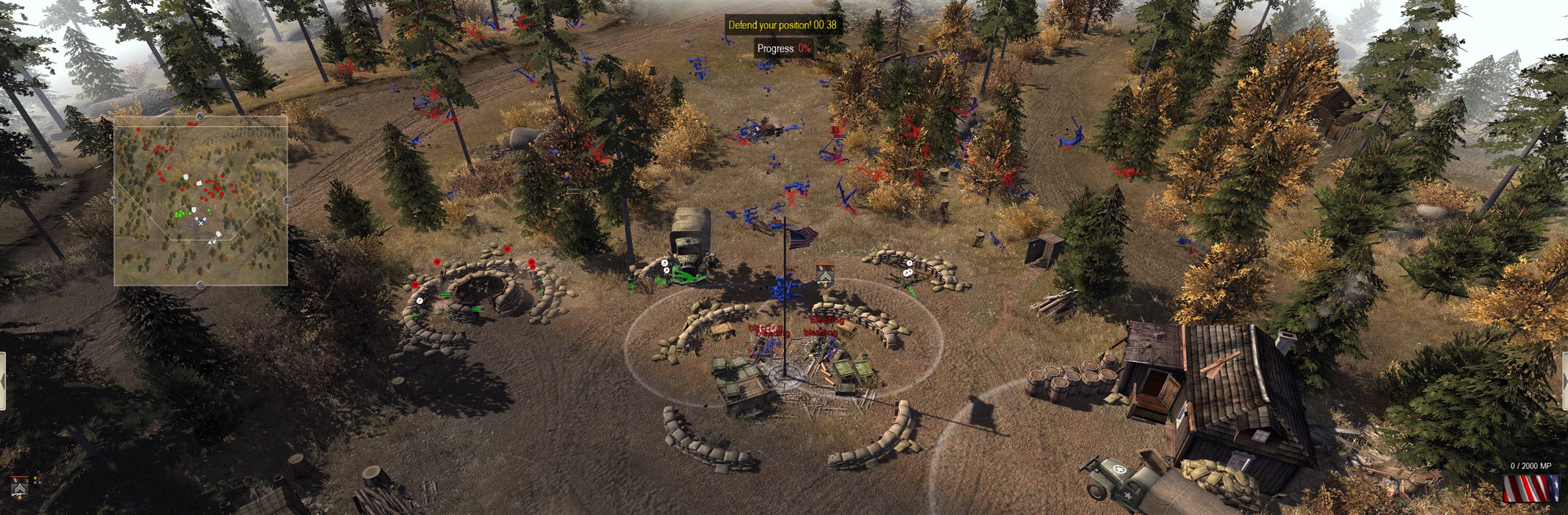
Two teams of squads on a field split into areas. Each line is one sight check. Old way: every soldier checks every enemy in range. Style v1: every area with soldiers in it checks every enemy in range once, for all of them. Move the slider to change the number of soldiers. Drag to turn.
Simplified model, not the game's code. The counts are worked out live from the soldiers shown; with many lines, only some of them are drawn. Shaded squares are areas with soldiers of that team in them. The more soldiers stand in one area, the bigger the difference.
 DRAWING · shared areas
Work per step
Million CPU cycles per step. Lower is faster.
Show the numbers
Work per unit as battles get bigger
Million CPU cycles per unit and step, in a small, a medium and a large battle with infantry, guns and tanks (the large one has about 1,700 units). In the base game every unit costs more when there are more units. With Style v1 the cost per unit stays almost flat, so the gap grows with the battle.